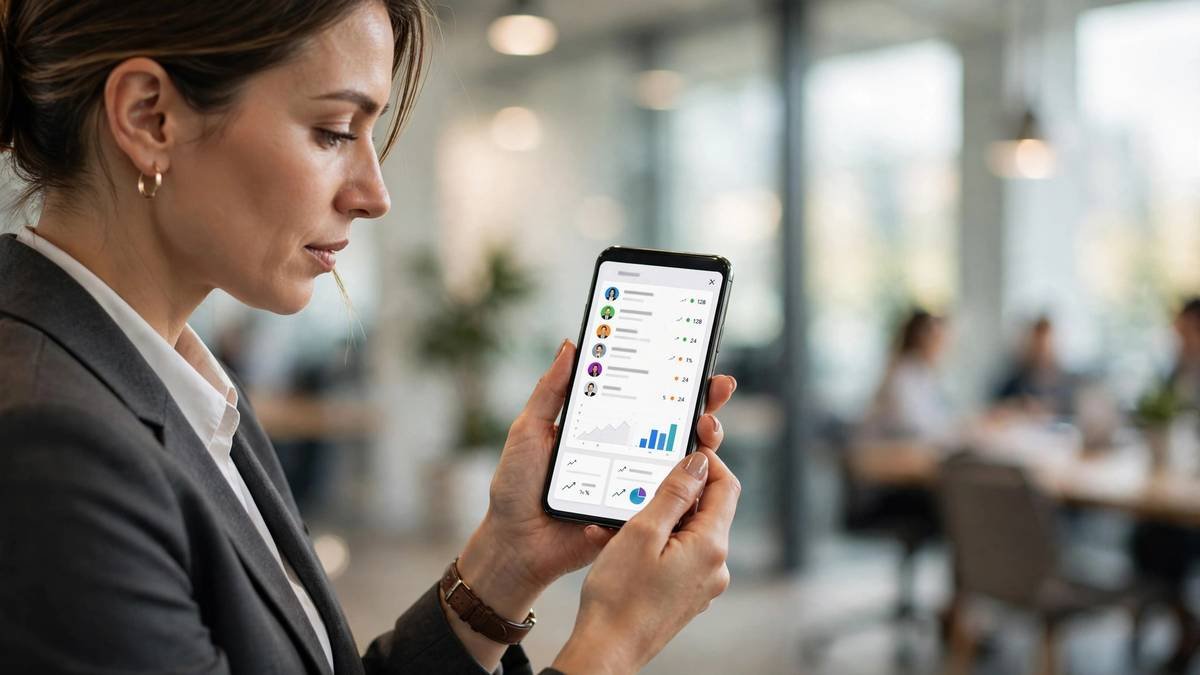
The best CRM in the world is useless if your reps only open it at their desks. Field salespeople, real estate agents, service technicians, and founders who live on their phones need a CRM that works brilliantly on a small screen — offline in a parking garage, one-handed between meetings. Here’s what to look for in a mobile CRM and which apps lead the pack in 2026.
Why Mobile CRM Matters More Than Ever
Three shifts made mobile CRM essential rather than nice-to-have. First, hybrid and field work means fewer people sit at a desk all day. Second, buyers expect instant follow-up — the rep who logs notes and sends the proposal from the car wins over the one who waits until Monday. Third, data quality: reps who can update the CRM in the moment actually do it; reps who must “do it later” mostly don’t.
The result: mobile adoption is now one of the strongest predictors of overall CRM success. A desktop-perfect system with a weak app will underperform a simpler system with a great app.
Key Mobile Features to Demand
True offline access
Not “cached read-only” — real offline. Reps should be able to view contacts, log calls, add notes, and create tasks with no signal, then sync automatically when connectivity returns. Test this in airplane mode during your trial; marketing claims and reality often diverge.
One-tap logging
After a call or meeting, logging should take seconds: tap the contact, dictate or type a note, set the next step, done. Every extra tap is a reason for reps to skip it. Look for voice-to-text notes and automatic call logging.
Maps and route planning
Field teams live on maps. The best mobile CRMs show nearby accounts on a map, plan efficient visit routes, and log check-ins automatically. This alone can add an extra customer visit per day per rep.
Business card scanning
Point the camera at a card, get a contact record with the details parsed into the right fields. It’s a small feature that eliminates one of the most annoying data-entry chores in sales.
Mobile dashboards
Managers need pipeline visibility on the go too: today’s meetings, stalled deals, and team activity in a glanceable mobile view — not a shrunken desktop dashboard.
Security controls
Customer data on phones demands mobile device management basics: remote wipe, PIN/biometric locks, and the ability to revoke access instantly when someone leaves. Ask vendors specifically about this.
Top Mobile CRM Apps Compared
Salesforce Mobile
The most powerful mobile CRM, full stop — offline briefcases, Einstein AI insights, customizable mobile layouts. The catch is complexity: getting the mobile experience right requires admin work, and the app can feel heavy on older phones. Best for enterprises already on Salesforce that invest in mobile configuration.
HubSpot Mobile
Arguably the most pleasant mobile CRM to use daily. Business card scanning, call logging, and task management all feel native rather than ported. Offline support is solid for core workflows. The free tier’s mobile app is genuinely useful, which makes it the easiest mobile CRM to trial.
Pipedrive Mobile
Built for the rep on the move: check in to visits, log calls with one tap, and see the pipeline as swipeable cards. Its focus on simplicity translates well to small screens. Less powerful for managers needing deep mobile reporting, but excellent for individual rep productivity.
Zoho CRM Mobile
Surprisingly deep for the price — offline access, card scanning, route planning (via integrations), and even voice-assisted data entry. The interface is busier than leaders’, but the feature list punches above its weight.
Capsule Mobile
A standout for simplicity lovers: fast, clean, and genuinely offline-capable. It won’t replace a laptop for complex work, but for contact lookup, note-taking, and follow-up tasks between meetings, it’s one of the best pure mobile experiences.
Microsoft Dynamics 365 Mobile
Strong for organizations standardized on Microsoft: deep Outlook/Teams integration carries over to mobile, and offline profiles are configurable by admins. Like its desktop sibling, it rewards investment in setup.
How to Evaluate: The Field Test
Don’t evaluate mobile CRM in a conference room. Instead:
- Do a real day: have two reps use only the mobile app for a full selling day — calls, visits, notes, everything.
- Test the dead zones: parking garages, elevators, rural routes. Offline behavior is where apps separate.
- Time the logging: how many seconds from hanging up to logged note with next step? Under 30 is good; under 15 is great.
- Check the battery and data: some CRM apps are resource hogs. A rep whose phone dies at 3pm has no CRM at all.
Common Mobile CRM Mistakes
- Assuming desktop parity: no mobile app does everything the desktop does — identify the 5 workflows reps need mobile and verify those specifically.
- Ignoring adoption signals: if mobile login rates are low, the app is failing no matter what the feature list says.
- Skipping MDM: customer data on personal phones without remote-wipe capability is a breach waiting to happen.
Frequently Asked Questions
Can a team run entirely on mobile CRM?
Small field teams sometimes do, but most organizations need desktop for administration, complex reporting, and bulk work. Think of mobile as the rep’s primary tool and desktop as the manager’s and admin’s.
Do mobile CRM apps work without internet?
The good ones do for core tasks — viewing records, logging notes and calls, creating tasks — then sync when reconnected. Always verify offline behavior yourself rather than trusting the brochure.
Is mobile CRM secure enough for customer data?
Yes, with proper controls: biometric/PIN locks, encrypted storage, remote wipe, and instant access revocation. Treat it as a requirement, not an optional extra, in your vendor evaluation.
The Bottom Line
Choose your mobile CRM the way your reps will use it — in the field, in a hurry, often offline. Prioritize fast logging, real offline access, and maps over feature-list depth. The CRM your team actually opens between meetings is the one that will keep your data clean and your pipeline honest.